
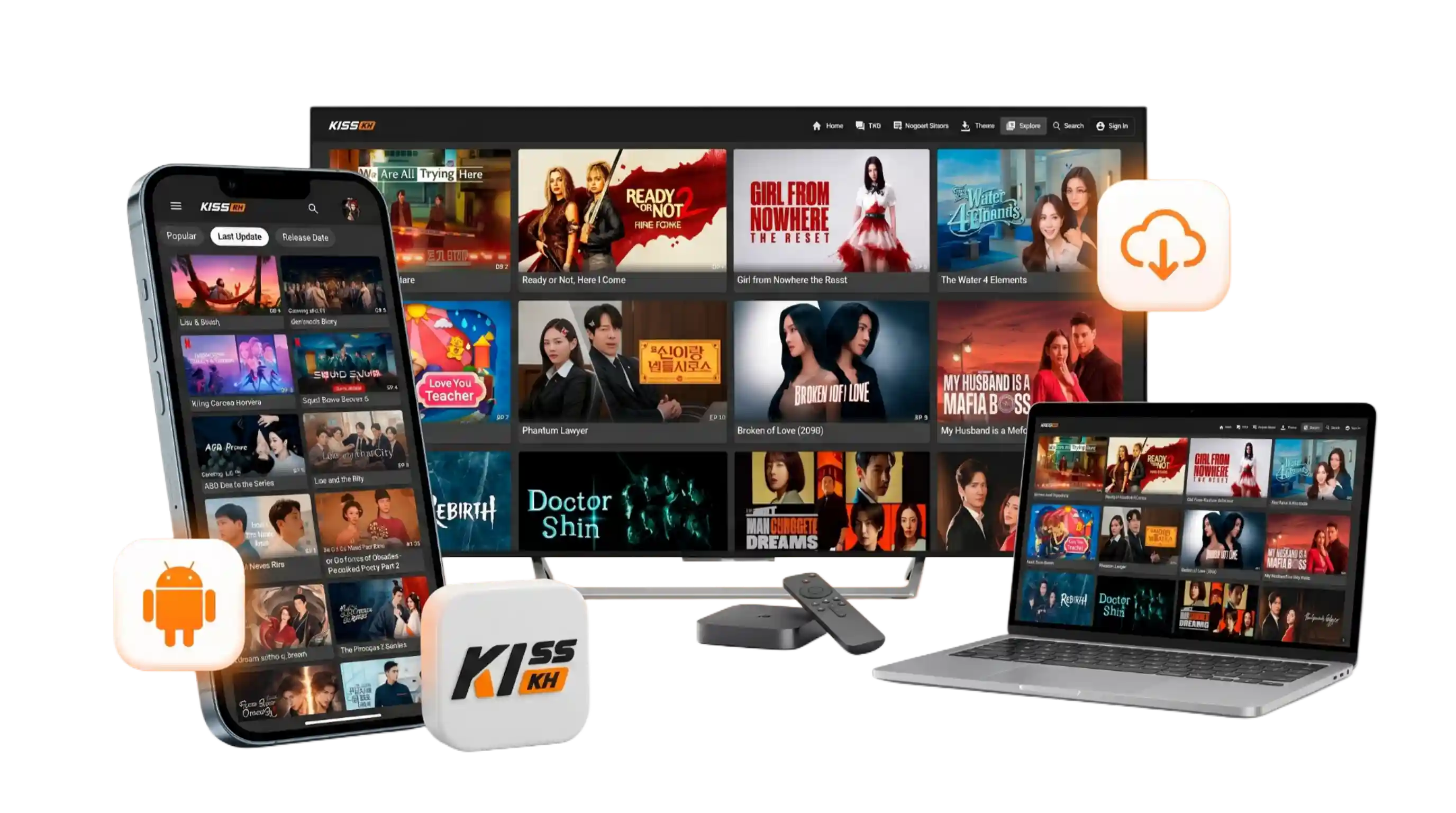
A Library That Updates Daily
New episodes for ongoing K-Drama, C-Drama, and anime titles are added as they're released, alongside a rotating stack of Hollywood movies.
Kisskh puts Korean, Chinese, and Thai dramas next to anime and Hollywood titles in one library, with subtitles, offline episodes, and a player built for binge-watching.
Free to use, no sign-up required to start browsing, and updated with new episodes daily.
Kisskh is a free streaming app built around Asian entertainment. It groups K-Drama, C-Drama, Thai series, anime, and a growing shelf of Hollywood movies into a single, searchable library, so you're not jumping between five different apps to find what's currently airing.
A quick look at the tools that shape day-to-day watching inside the app.
New episodes for ongoing K-Drama, C-Drama, and anime titles are added as they're released, alongside a rotating stack of Hollywood movies.
Switch between English, Arabic, Indonesian, Malay, Khmer, and more directly from the player without hunting for external subtitle files.
Save individual episodes to your device and keep watching on a flight, a commute, or anywhere your connection drops out.
Sign in to bookmark titles and pick up any series exactly where you left off, across every device you use the app on.
Filter by type, subtitle language, country of origin, and airing status, then sort by popularity, last update, or release date.
Can't find a title you're looking for? Submit a request from inside the app and it gets queued for the library.
Switch the interface between several color themes, including a purple-and-amber and an indigo-and-pink palette, to match your taste.
Control playback speed, pick a video quality that fits your connection, and skip forward or back 10 seconds with one tap.
Kisskh stays free by showing limited ads — including a capped pop frequency of roughly once per hour — instead of a hard paywall.
Every category below is browsable from the Explore tab, with its own filters and sort order.
Pick your device below. Full step-by-step instructions are on the download page and the TV guide.
Direct APK download with a mirror link, no Play Store account required.
Download APKTwo supported methods: direct APK sideload or the CloudStream plugin route.
Open TV GuideA handful of small design choices that add up to a smoother watching habit.
Server infrastructure is tuned to keep buffering short, even on new episodes right after they drop.
Content is organized by country of origin, so you can browse Korean, Chinese, or Thai catalogs on their own.
No clutter between you and the play button — browse, tap, and start watching in a couple of taps.
The Request Drama tool feeds directly into what gets added to the library next.
Yes. Browsing and streaming don't require a subscription or a paid tier. The app is supported by a light ad load instead of a paywall.
Android phones and tablets, iPhone and iPad, Windows PC, and Android/Google TV screens. See the download page for the right link.
No. You can browse and stream as a guest. Signing in only unlocks saved favorites and cross-device watch history.
The files linked from this site are the same ones distributed by the app's own hosting. Always download from this site or the mirror link rather than an unfamiliar source.